













Versions and platforms
Manage every release and guide each device user to the right build.
- Multi-version management
- Merge iOS, Android & HarmonyOS
- Merged QR codes
- Large app packages
Safe
Keep a stable app download page with clear version, update and installation status
Fast
Create links and QR codes for testing, packaging, manuals, websites and after-sales support
Integration
Use the PGYER API to upload and update apps from your release or product delivery workflow
Multi-platform
Manage Android and iOS apps and guide each device user to the appropriate installation path
Built for smart hardware and global apps
Designed for companion apps and global teams, with version releases, installation controls, worldwide downloads and delivery analytics in one place.
Manage every release and guide each device user to the right build.
Choose who can install and when each download entry remains valid.
Deliver large app packages quickly and reliably in every market.
Automate releases and understand downloads, users and delivery issues.
From testing to delivery
Use the same links, QR codes and version-management workflow for team testing, customer acceptance, smart hardware, on-site deployment and international trials.
Team testing and build acceptance
Share every test build with product, engineering and QA teams through a stable link or QR code. Developers can limit access with passwords and expiry dates; after an update, teammates keep using the same download address to install, verify and provide feedback without interrupting the test cycle.
Customer trials and project acceptance
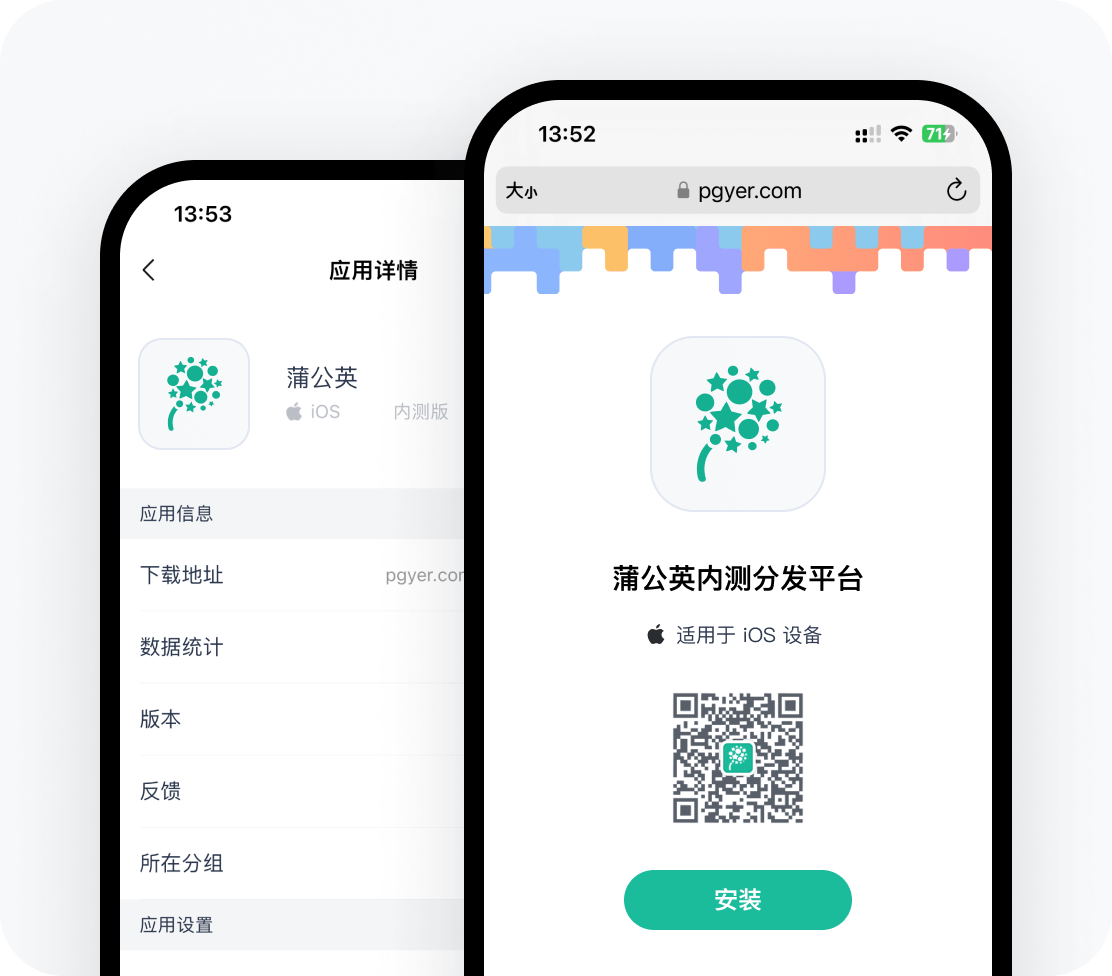
Before a product demo, project acceptance or public launch, securely deliver the app to customers and partners without being limited by app-store review cycles. Set the installation scope and validity period for each project, then keep using the original link as the app evolves so trials, acceptance and delivery stay connected.
Smart hardware companion installation
Developers can use the dedicated Smart Hardware Profile area in the app dashboard to maintain the device category, brand, product line, supported models, connection methods, capabilities, usage requirements and compatible platforms, together with guide, support and privacy links. Profiles can be saved as drafts and previewed before publishing to the matching app download page. When users scan a QR code on the device, packaging or manual, they can install the app, verify compatibility, review connection requirements and open help or after-sales resources. The profile remains available when a new app version is uploaded.
Events, stores and on-site deployment
Ideal for exhibitions, retail service, employee training and project sites. Staff only need to display one QR code, and participants can open the installation page without searching an app store. Before or during the event, the app can be replaced with a newer version while the original QR code and download entry remain unchanged.
International teams and cross-region trials
Deliver apps to customers, partners and testing teams in different countries and regions while reducing confusion through multilingual download pages. A global CDN helps users reach the download entry more reliably, and future builds can continue to use the same link for long-running trials and cross-region collaboration.
API
Easily manage upload apps without logging to web
Update appUpdate settings
Install appCheck updates
Get informationView feedback
More distribution tools
Manage apps in WeChat and upload faster with the Mac tool.
WeChat mini app
Manage your app anytime, anywhere
Upload tool for macos
Upload apps from the right-click menu on macos
Upload once to create a download link and QR code, then keep teams, customers and smart hardware users on the right version.